Hardening SSH in 2026: Keys, Certificates, and the Bypass You Might Have Missed
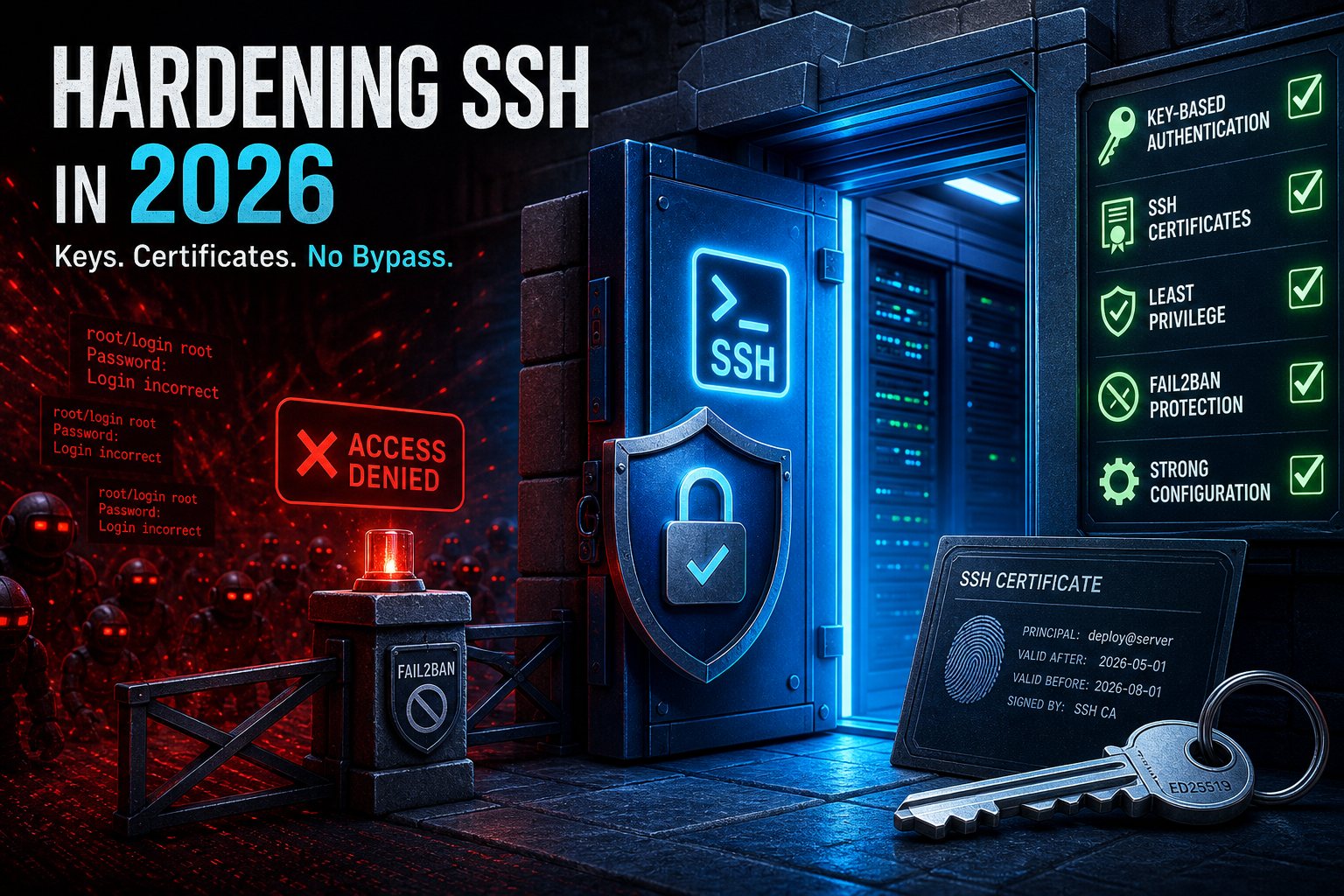
OpenSSH 10.3 shipped a fix worth understanding: a comma in an SSH certificate principal name could bypass authorized_keys restrictions — meaning a valid CA-signed certificate could, in the right misconfiguration, log in as root where it shouldn't (CVE-2026-35414).
If you don't use SSH certificates, that sentence was jargon. Either way, it's a fine excuse for the SSH check-up most servers are owed. Twenty minutes, in /etc/ssh/sshd_config:
The non-negotiables
PasswordAuthentication no
PermitRootLogin prohibit-password
PubkeyAuthentication yes
MaxAuthTries 3
Password authentication is the single biggest risk on any internet-facing server — botnets guess credentials around the clock, and they only have to be lucky once. Keys aren't guessable. If a vendor "needs" password auth, scope it to their user with a Match block instead of weakening the whole server.
Keys worth using
Generate Ed25519 keys (ssh-keygen -t ed25519) — small, fast, modern. Retire any DSA or 1024-bit RSA keys still floating around in authorized_keys files; while you're in there, delete the keys of people who left two jobs ago. That file is an access-control list — audit it like one.
Slow the door-rattlers
Fail2ban (or equivalent) banning IPs after repeated failures cuts log noise and brute-force risk dramatically. Moving SSH off port 22 is seasoning, not security — fine as noise reduction, useless against a real attacker.
If you use SSH certificates
Update to OpenSSH 10.3, audit principal names for unexpected characters, and treat your CA key with the same paranoia as a TLS root — short certificate lifetimes, and revocation you've actually tested.
On our managed servers this baseline ships by default, plus monitoring on auth logs — because the second-best time to harden SSH is today, and the best time was before the botnet found you.